
Access Care Planning alternatives: compare features and flexibility

The best alternative to a care-planning system may not be another standalone care-planning system. For UK providers weighing Access Care Planning alternatives, the key choice is often between one connected platform and several specialist products.
A single system can keep plans, records and operational tasks together, reducing the need to transfer information between tools. Separate products may suit organisations whose services or teams need distinct capabilities. Compare options against how your organisation works and where flexibility matters most.
This guide compares options for configurability, digital care plans and records, and person-centred planning. It also considers practical differences across domiciliary care, residential care and other settings, where plans need to support different workflows. Use these criteria to assess whether one system or a combination of products better fits your teams and the people they support.
Key Takeaways
- Choose between one connected system and separate products by considering how your teams share information and manage different service needs.
- Assess whether care-planning tools let you tailor plans and workflows to the needs, preferences and routines of each person.
- Look at how digital plans, forms and records support day-to-day work, including updates that staff need to see across different settings.
- Compare software costs and contract terms in light of the features, flexibility and level of integration your organisation needs.
- In England and Wales, a care and support plan should be reviewed 12 months after it is first set up, according to UK Government and Welsh Government.
Access Care Planning Alternatives: One System or Several Products?
A single platform can keep care plans and operational records together; separate products may suit teams with distinct workflows. Compare each option against how staff support people across domiciliary care, residential care and supported living.
Care plans and eligibility
In England, care and support plans include a person’s eligible needs, how the local authority will meet them, and personal-budget information. In Wales, a named individual coordinates preparation, completion, review, delivery and revision. According to the UK Government and Welsh Government, a care and support plan should be reviewed 12 months after it is first set up.
A local authority assesses social care needs, including eligibility for support. According to the UK Government and Welsh Government, local authorities must take all reasonable steps to agree with the person how eligible needs will be met. For someone with dementia or Parkinson’s, a plan can also capture individual routines and support preferences, helping staff understand what matters to that person.
| Option | Configurability | Plans and records | Service fit |
|---|---|---|---|
| One care-management platform | Workflows in one system | Records held together | Teams sharing information |
| Specialist products | Tools chosen by task | Information may sit across systems | Services with distinct workflows |
| Paper alongside digital records | Local forms can vary | Staff may transfer updates | Limited or transitional use |
Choose an arrangement that helps staff find the current plan and record changes without duplicating information.
Care-planning platforms can help organise records for CQC-regulated adult social care in England, but software alone does not ensure compliance. Check whether each system supports the documentation and review processes your service uses.
Customer reviews can reveal experiences with usability, implementation or support, but drawbacks vary between organisations. Read comments in context and look for details about a particular workflow, rather than treating one person’s experience as representative.
Choosing, pricing and migration
Assess alternatives against staff workflows, person-centred planning, record access and service needs. A demonstration based on a realistic scenario, such as updating a plan after a change in mobility, can reveal practical differences. Compare quotes and contract terms, including subscription periods, renewal conditions, implementation and data-transfer charges.
Migration depends on how existing information is organised and mapped. Current plans, assessments and review histories may use different fields in a new system. A sample transfer lets staff check client matching, dates and attachments before wider use. For post-fall support, compare how a platform records the event, subsequent assessment and agreed changes to the person’s plan.
Workflows differ between domiciliary care and residential settings, so assess how each system handles the records staff need in those environments, including digital care planning.
Migration depends on how existing information is organised and how staff will keep it current. In England and Wales, a local authority must prepare a care and support plan and give the person a copy within a reasonable time; the law sets no specific deadline. A person can request a review, and the local authority should carry out a reasonable request within a reasonable time.
Private care in the UK can be tailored to conditions including dementia, Parkinson’s and post-operative rehabilitation, so consider whether planning tools can reflect individual support needs. A homecare provider's eight-week trial of fall-lifting technology and a post-falls assessment tool resulted in a 76% reduction in ambulance callouts. Consider whether related tools suit your service and how their outcomes are assessed.
Care planning features and configurability
Care-planning software varies in how it structures assessments, records preferences and adapts workflows. When comparing Access Care Planning alternatives in the UK, look beyond feature lists: consider which fields, forms and approval steps your organisation can configure. A domiciliary team may organise instructions around visits, while residential staff may need to refer to them during shift handovers.
Begin with how the system captures a person’s priorities. Can staff record goals, communication preferences, risks and daily support needs in sections that are easy to find? For someone living with dementia, a plan might include familiar routines and prompts. Another person may need clear guidance about mobility or communication. Flexible layouts should make individual details visible without making every plan feel identical.
Then trace how an assessment leads to an action. If an assessment identifies a change in swallowing, staff need clear instructions about what to do and whom to inform. Check whether the system reflects your organisation’s review and approval process, and whether colleagues can identify the current version. For teams considering Access Care Planning alternatives in the UK, this practical workflow can reveal more than a standard product demonstration.
- Person-centred detail: assess how plans capture preferences, routines and goals alongside support needs.
- Service workflows: compare forms for domiciliary, residential and supported-living teams.
- Medication and healthcare: see how relevant instructions relate to care plans and other records.
- Roles and updates: establish who can edit, approve and access information.
Integration is another consideration. Alternatives differ in whether they connect with NHS systems, payroll, accounting software and electronic medication administration records. Ask which links are direct integrations, which rely on file exports, and where staff may need to enter information manually. For example, trace an approved timesheet through to payroll, then follow how medication information is recorded and reviewed.
Test the system with a realistic update. If a coordinator changes mobility guidance, can relevant staff find the current instruction in their usual workflow? Check how the platform records the change and makes it visible to colleagues. This can show whether configuration supports consistent practice or simply adds fields and administrative work.
At Care Daily, we find that useful configuration starts with the real handover: a carer needs relevant instructions and preferences, not a screen crowded with unused fields. A demonstration based on a familiar scenario can help your team assess the fit. You can explore a care-planning setup against your organisation’s workflows.
Digital care plans, forms and records
A digital care record is useful when staff can find the right information, enter updates clearly and follow changes over time. Compare how each platform links an assessment, the resulting care plan, daily notes and supporting forms. If a system stores these separately, staff may need extra steps to build a complete picture.
Start with a realistic task. A carer visits a client whose mobility has changed since the previous call. Can they find the current plan, record what they observed and pass the change to the right colleague? Check how the platform presents the plan on a mobile screen, not just in an office demonstration. Clear labels and sensible navigation matter during a busy visit.
Forms should capture useful information without encouraging rushed or incomplete entries. See how the system records a medication prompt, personal-care note or risk assessment. For example, a form should distinguish fields for an observation from those recording an action taken. That distinction helps colleagues interpret the record during handovers and supports consistent care.
- Record structure: check whether daily notes, assessments and plans connect to the same client record.
- Entry process: test how staff record an event, add context and correct an entry when needed.
- Change history: establish how a manager can see what changed and who made the update.
- Access: review how permissions work for carers, coordinators and managers using different devices.
Digital forms also need to suit the service. A domiciliary team may complete notes between visits, while a residential team may record information during a shared shift handover. Test both workflows if your organisation operates across settings. Include a longer entry, a missed field and an urgent change in the demonstration; these can reveal usability issues better than a polished sample record.
Consider connectivity before moving from paper. If staff work in buildings or locations with unreliable signal, ask how the platform behaves when a device cannot connect. Establish whether an entry can be saved, how it synchronises later and how staff can spot information awaiting upload. These details affect whether the record remains usable throughout a shift.
Finally, map the information that needs to move into the new system. Group existing records by type, such as current plans, completed assessments and historical notes. Decide which information staff need at the point of care and which managers need for continuity. Check a sample migration for legibility, correct client matching and intact dates before teams rely on it.
Keep the migration decision focused on retrieval and upkeep: confirm how staff will find an active item, add an update and distinguish current information from material kept for reference. A single system can suit providers seeking one login, one record per person and no copying between tools. Treat that as a possible fit, not a requirement; compare it with the team’s actual tasks and record types.
Before settling on a structure, ask staff to try a representative care task and note where they would still need to switch tools or re-enter details. Agree who maintains each record and how managers will review whether the information is complete and useful.
What are the prices and contract terms for UK care planning software alternatives?
UK care-planning software prices and contract terms vary by supplier and package. Compare the full cost of the functions your organisation needs, rather than judging a plan by its headline subscription alone. For example, a domiciliary service may need scheduling alongside digital plans, while a residential service may prioritise assessments and records.
When assessing costs, compare the functions included and the terms provided in each quote. Consider the number of users, implementation requirements and data migration, and whether the package covers care planning alone or combines several operational tools. Compare equivalent functions before judging value.
Contract terms affect how well a system fits a changing service. Review the subscription period, renewal process, cancellation notice and any minimum commitment. Check how user numbers or added functions affect the agreement. If a provider grows from one service to several, the contract should explain how changes in scope affect billing and access.
Implementation can also carry costs or require staff time. Establish what the supplier includes for setup, training and transferring records. For example, migrating current care plans may involve different work from transferring historic notes or assessment forms. Clarify how data will be supplied, who maps fields and how the organisation can access records if the contract ends.
Before comparing proposals, list the work the software must support. Separate essential functions from optional ones, such as rostering, invoicing or family access. Match every proposal against the same list to avoid comparing a basic care-planning subscription with a wider platform that includes additional modules.
- Subscription: identify the billing basis, included users and functions.
- Contract: record the commitment period, renewal date and cancellation terms.
- Implementation: clarify setup, training and migration responsibilities.
- Growth: check how additional teams, users or services change the agreement.
- Exit: understand how records can be retrieved when the contract ends.
A practical comparison should account for staff time, too. If carers enter the same visit information in separate systems, a lower subscription may mean extra administration. Ask suppliers to demonstrate a real workflow, such as updating a care plan and recording a visit, then note which steps staff must complete.
For a clear view of the available package and its pricing, request details about care-management options for your organisation.
Care Daily
Care Daily offers care management software for organisations assessing alternatives to Access Care Planning. Digital care planning and staff rostering sit alongside a Policy & Procedure Library, helping teams manage care operations within one platform.
Care Daily may suit providers looking to connect planning with wider operational workflows, rather than choosing a care-planning tool in isolation. For example, compare how plans and rostering fit existing processes across domiciliary, residential or supported-living services. The right choice depends on the functions your organisation needs and how staff will use them day to day.
If you’re considering whether Care Daily fits your requirements, contact Care Daily to discuss your needs.
Make the next step a practical one
Choosing between Access Care Planning alternatives in the UK is also a change-management decision. Before committing, involve the people who will maintain plans and use records during everyday care. Agree who owns plan updates, how teams will learn the new workflow and what a successful transition should look like for your organisation.
Care Daily brings care management software together with digital care planning and a Policy & Procedure Library. This may suit providers looking to connect planning with wider operational and policy needs, rather than treating care plans as a standalone task. The key question is whether the platform fits your teams’ working practices and supports the people receiving care.
Use your priorities to guide the conversation, including the workflows that matter most and how staff will adopt them. Explore whether Care Daily fits your organisation, and take the next step with a clear view of what your teams need.
Frequently Asked Questions
What are the best alternatives for small domiciliary care agencies versus care homes?
The best fit depends on the daily workflow, not provider size alone. A small domiciliary agency should prioritise visit scheduling, mobile visit notes and medication records; a care home should look for admissions, occupancy, observations and shift handovers. For example, test how a late-visit update appears to coordinators, then assess how a night-to-day handover works. Care Daily serves both settings, so compare the relevant care-management workflows with your team’s needs.
Which care planning platforms support CQC compliance and UK care regulations?
Care-planning platforms can help organise records for CQC-regulated adult social care in England, but software alone does not ensure compliance. Compare whether a system supports your service’s documentation and review processes, including the 12-month plan review.
Frequently asked questions
What are the best alternatives for small domiciliary care agencies versus care homes?
The best fit depends on the daily workflow, not provider size alone. A small domiciliary agency should prioritise visit scheduling, mobile visit notes and medication records; a care home should look for admissions, occupancy, observations and shift handovers. For example, test how a late-visit update appears to coordinators, then assess how a night-to-day handover works. Care Daily serves both settings, so compare the relevant care-management workflows with your team’s needs.
Which care planning platforms support CQC compliance and UK care regulations?
Care-planning platforms can help organise records for CQC-regulated adult social care in England, but software alone does not ensure compliance. Compare whether a system supports your service’s documentation and review processes, including the 12-month plan review.
More from the blog
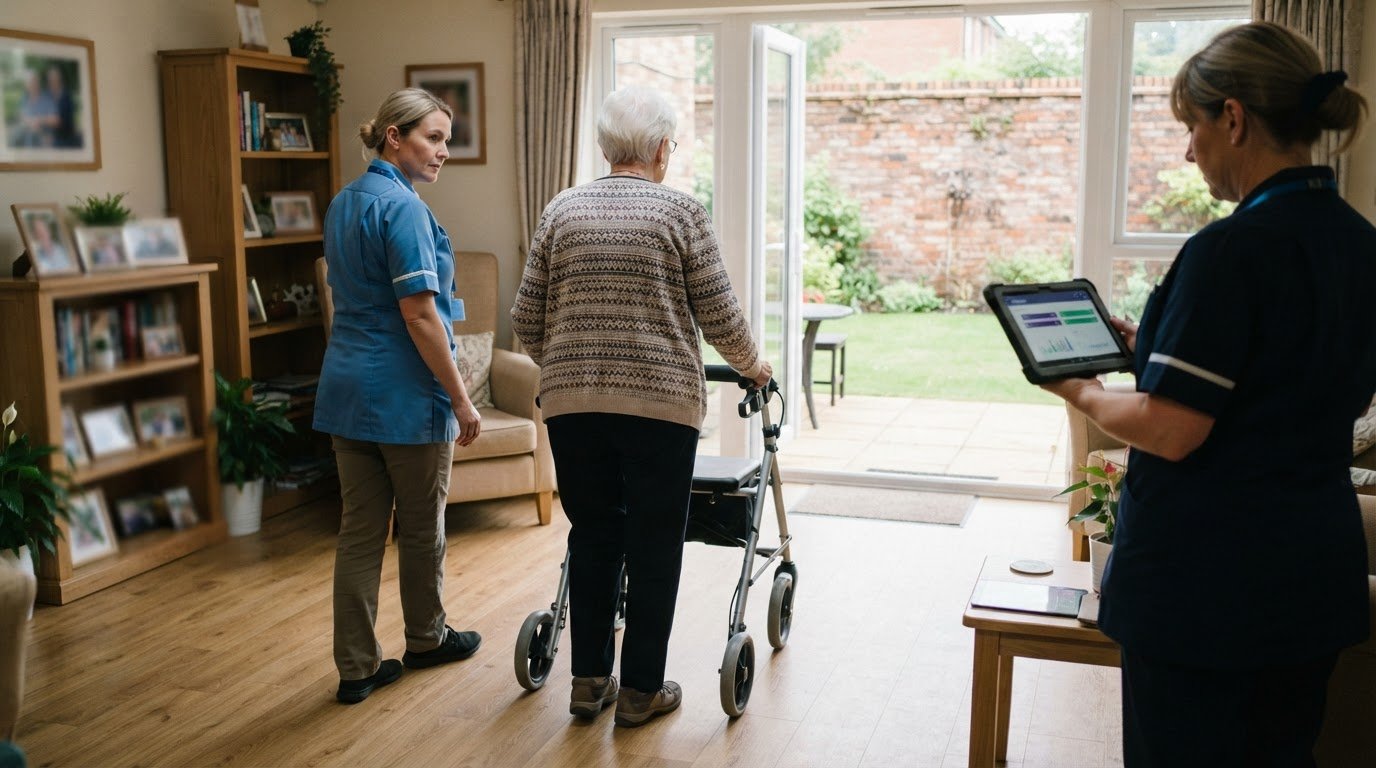
Care home risk assessment software: roles and reviews
A risk assessment should support a person’s safety without unnecessarily restricting their choices. Care home risk assessment software can help staff
Read more →
Compare home care software for real-time access and data security
A familiar system is not automatically the safer choice, and moving to cloud software is not always the right answer. To compare Tagtronics with
Read more →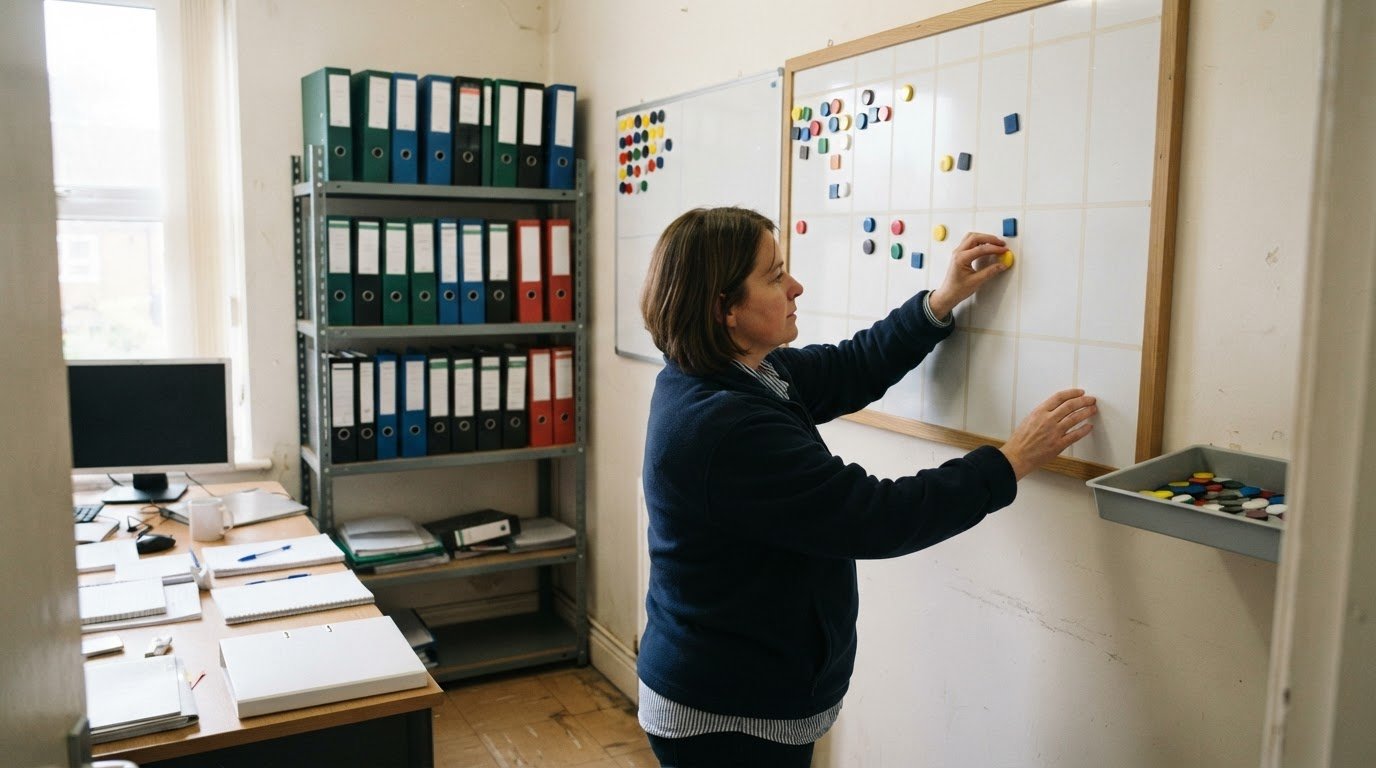
Which PASS care software alternatives fit your budget?
The best fit depends on your provider’s needs and budget: compare PASS with alternatives such as Care Daily, then weigh up the costs and practical
Read more →