
Care home risk assessment software: roles and reviews
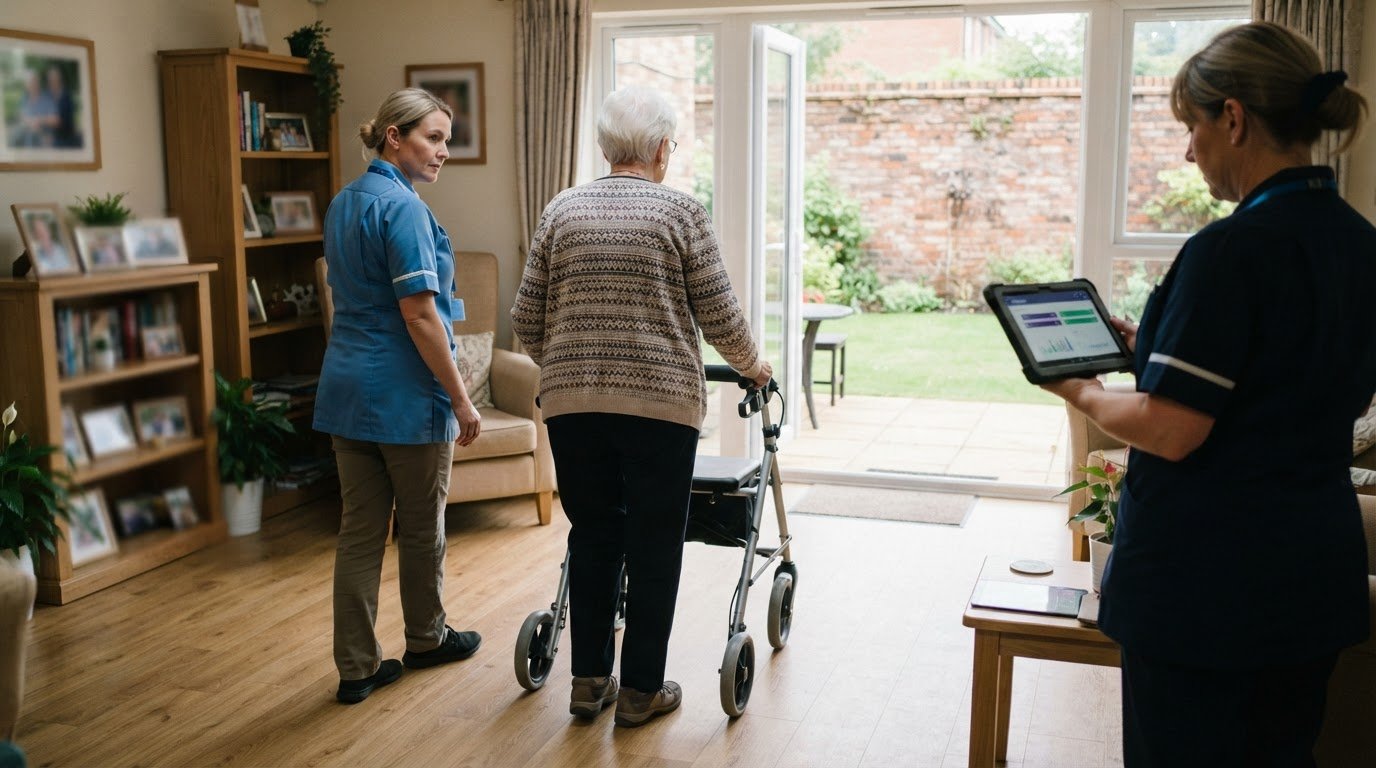
A risk assessment should support a person’s safety without unnecessarily restricting their choices. Care home risk assessment software can help staff organise identified risks, agreed controls and review information, but the process still depends on people who know the individual and the setting. A system is useful when it clarifies responsibilities and helps the team respond to changes, rather than simply storing completed forms.
Risks can change quickly: a shift in mobility, a new medicine or a familiar activity that has become less safe may call for a closer look. This article explains what care home risk assessments cover, who should contribute and how to review them as circumstances change. It also explores how digital tools can connect assessments with care plans and day-to-day oversight while keeping dignity and independence in view.
Key Takeaways
- Focus each assessment on realistic risks, agreed controls and the person’s independence, rather than applying blanket restrictions.
- Involve the person and the staff who know their needs, and bring in specialist input where a particular risk calls for it.
- Connect identified risks with care plans so staff can follow the agreed approach in day-to-day support.
- Review assessments when needs, routines or the care environment change, and use incidents or near misses to inform updates.
- Understand how fire safety and incident-reporting requirements apply, including the Reporting of Injuries, Diseases and Dangerous Occurrences Regulations 2013.
What is a care home risk assessment?
A care home risk assessment identifies hazards, who could be harmed and the controls that reduce risk. It should reflect each resident’s circumstances, the building and the work staff carry out. For example, a resident who wants to make tea may need an agreed way to manage hot water, rather than a blanket restriction on using the kitchen.
In England, care providers must comply with Regulation 12 (Safe care and treatment) of the Health and Social Care Act 2008 (Regulated Activities) Regulations 2014, according to The National Archives. The Control of Substances Hazardous to Health Regulations 2002 require employers to assess risks from hazardous substances and implement controls to reduce exposure, according to The National Archives. The Reporting of Injuries, Diseases and Dangerous Occurrences Regulations 2013 require care homes to report certain work-related accidents, diseases and dangerous occurrences, according to The National Archives.
These requirements are part of practical governance. A registered manager needs records that show the hazard identified, the decision made, the control put in place and any follow-up. For CQC inspection readiness in England, documentation should help staff explain how a recorded risk translates into everyday practice. A falls risk entry, for instance, is more useful when the relevant support is clear in the resident’s care plan and staff can find the current version.
Care home risk assessment software should make the process easier to manage, not replace professional judgement. Useful features include individual risk records, review dates, clear ownership, links to care plans, incident documentation and action tracking. Medication records and appointment information can also help staff see relevant details together: a hospital appointment may require transport planning, an updated medicines record and clear handover notes.
When comparing UK platforms, assess how well each fits the home’s daily work. Compare assessment workflows, reporting, access to records, audit trails and links with care management tools. Check whether staff can move from a recorded risk to the relevant action without duplicating documentation. This matters when care plans, medication information, appointments and incident reports would otherwise sit in separate systems.
Preventive maintenance and asset management are also part of the wider picture. Records of equipment inspections, servicing and defects help managers track what needs attention and who is following it up. For example, a damaged hoist should prompt an equipment action and a review of safe moving arrangements, not remain an isolated maintenance note.
The cost of care home risk assessment software in the UK depends on the service’s requirements and is given after a quote request. The scope and functions needed shape that decision.
Staff involvement and specialist assessments
Risk assessment software can support health and safety, fire safety, and moving and handling assessments by helping teams record hazards, controls, responsibilities and follow-up actions. It can make checks and records easier to access, while assessment decisions still depend on informed staff input.
Risks to residents, staff and visitors
A care home assessment considers who could be harmed by each hazard, including residents, staff, visitors and contractors. This matters because a loose carpet may create a trip risk for a resident using a walking aid, a staff member carrying supplies or a visitor unfamiliar with the corridor. Recording who may be affected helps managers set practical controls without overlooking people outside the care team.
Health and safety assessment types
Health and safety assessments consider hazards across premises and work activities; fire assessments focus on fire risks and suitable precautions; moving and handling assessments address how people or loads can be moved safely. These checks help managers connect each hazard with the right response. For example, a resident’s changing mobility may call for a review of transfer arrangements, equipment and staff guidance, rather than reliance on an outdated instruction.
Managers generally lead assessments, with direct-care staff contributing observations from daily support. A carer may notice that a resident needs more time to stand after breakfast, or that a corridor becomes obstructed during the evening handover. The resident should be involved in decisions affecting their own choices and routines. The Mental Capacity Act 2005 is cited as a basis for involving residents who have capacity in their assessments.
Specialist input is useful when a risk requires expertise beyond the team’s day-to-day knowledge. A moving and handling assessment, for instance, should inform the equipment and assistance staff use, while a fire assessment needs to account for supporting people during an emergency. Regular drills and staff training help turn written procedures into actions staff can carry out under pressure.
Rota and training records should support assessments, not sit apart from them. A rota shows who is assigned to a shift, while training reminders and competency tracking help managers identify when someone needs instruction or a practical reassessment. If an agency carer joins a shift, clear care plans and accessible guidance can reduce reliance on informal handover alone.
Staffing levels and support also affect whether controls work in practice. If a resident requires two staff for a transfer, the assessment needs to inform the care plan and the shift’s arrangements. A digital workflow can make responsibilities and outstanding actions visible, helping managers follow through after checks or an inspection. To explore how structured workflows can support these processes, view options for getting started.
Recording, implementing, reviewing and updating assessments
A useful assessment records findings, assigns actions and connects controls with daily care. Care homes should keep each record current as needs, routines or the environment change.
Digital assessment records
A digital assessment record captures hazards, decisions, controls and follow-up in an organised electronic format. This matters because staff need to find the current assessment during a shift, not search through disconnected paperwork. The Health and Safety Executive says care homes employing over five staff must record risk assessment results. A dated entry can identify who completed the assessment and which actions remain outstanding.
For example, if a resident’s mobility changes, staff can record the new finding and the agreed review. Digital care planning can keep related information accessible alongside support instructions. The record should make clear what changed, who needs to act and where staff can find the updated guidance. Digital care planning can connect assessment information with individual plans.
Audit trails and secure records
An audit trail shows the sequence of changes to an assessment, including updates and recorded actions. This helps managers understand why a control changed and whether follow-up took place. For instance, after a near miss, the record can show the finding, the revised precaution and who is responsible for putting it in place.
Care providers should manage access to assessment records so staff can use relevant information in their roles. A clear record structure also helps during audits: managers can find the latest assessment, supporting documents and action status without relying on separate paper files. Keep superseded versions distinct from current instructions so staff do not follow an outdated control.
Linking care plans and risk records
A care plan explains the support a person receives, while a risk record documents a specific hazard and its controls. Linking the two matters because staff need to turn an assessment into consistent practice. If an assessment identifies a risk during transfers, the care plan should reflect the agreed assistance and equipment, rather than leaving the finding in a separate record.
Care plans should reflect the person’s preferences and the steps that preserve their independence. When an assessment changes, check that connected instructions remain aligned. A review might update the transfer approach, staff guidance and the relevant plan together, helping prevent conflicting records across handovers and shifts.
Reviewing and updating assessments
Review an assessment when a person’s circumstances or the care environment changes, or when staff feedback raises a new concern. A fall, equipment fault or repeated difficulty with a daily task can prompt a fresh assessment. Record the finding, the decision and any required action, then share the updated instruction with relevant staff.
Set review reminders and assign responsibility so planned reviews are not lost among routine tasks. Use incidents, audits and feedback to spot patterns that individual records may miss. If several records highlight the same equipment issue, managers can consider whether wider action is needed. A dated review history makes the reasoning and follow-through easier to trace.
Purpose and importance of care home risk assessments
Risk assessments help care homes reduce foreseeable harm while preserving residents’ choices and everyday routines. In social care, the aim is not to remove every risk, but to identify meaningful hazards, agree proportionate controls and monitor whether those controls work.
The legal framework makes this a core part of safe operation. The Health and Safety at Work Act 1974 sets out UK employers’ general duties to protect employees and others affected by their work activities, according to The National Archives. The Management of Health and Safety at Work Regulations 1999 require employers to carry out risk assessments and take appropriate action to reduce identified risks, according to The National Archives.
Fire safety needs its own attention. The Regulatory Reform (Fire Safety) Order 2005 requires care home operators to conduct a fire risk assessment and implement appropriate fire safety measures, according to The National Archives. A useful assessment considers how a particular resident might respond to an alarm, whether staff can support evacuation, and whether routes remain usable during daily activities.
Manual handling also affects both residents and staff. The Manual Handling Operations Regulations 1992 require care homes to assess and reduce risks associated with manual handling, according to The National Archives. A practical assessment should inform the agreed method, equipment and staffing support for a specific task. If a resident’s needs change, staff may need revised instructions before the next transfer, not merely a note for a future review.
The value of an assessment lies in connecting hazards with decisions. A fall in a particular corridor, repeated equipment faults or a change in a resident’s behaviour may indicate a pattern that needs attention. Reviewing incident records alongside audits and staff observations can help managers distinguish an isolated event from a recurring issue. The resulting action might involve changing a care plan, repairing a hazard or clarifying a handover.
Good risk management also avoids unnecessary restrictions. If a resident wants to continue a familiar activity, for example, staff can consider the specific hazards and practical safeguards instead of prohibiting it outright. In a residential care setting, that may mean adapting supervision or the environment while respecting the person’s preferences. The assessment should explain the reasoning so staff can apply the approach consistently.
Monitoring matters after controls are introduced. A written action is only useful if someone carries it out and the team can see whether it has helped. Linking incidents, audit findings and follow-up actions gives managers a clearer view of outstanding issues and shared learning across a service. Explore practical support for managing care risks.
Care Daily: Risk Assessments
Care Daily offers risk assessment tools alongside care management software, helping providers organise assessment work within wider care processes. Assessments are most useful when they support clear, person-centred decisions rather than becoming paperwork in isolation.
Digital care planning can connect a person’s assessed needs with the guidance staff follow. Care Daily also provides a policy and procedure library for providers reviewing their operational documents. These tools support different parts of governance; staff remain responsible for applying professional judgement and agreeing appropriate controls.
If you’d like to discuss how Care Daily could fit your assessment and planning processes, contact Care Daily.
Make risk management part of everyday practice
Consider how assessment work fits the routines your team already follows. If staff switch between separate records for risks, care plans and operational guidance, identify where those hand-offs create extra work or leave actions unclear. The right care home risk assessment software should support a consistent process without taking professional judgement away from the people who know each resident.
CareDaily brings care management software together with digital care planning and a policy and procedure library. These tools can support connected records and keep operational guidance alongside care processes. Their value depends on how well they fit your setting, staff workflows and governance priorities.
When you’re ready to explore how it could work for your service, contact Care Daily to discuss your needs. A considered next step can help your team build risk management into everyday practice, with residents’ choices and wellbeing kept at the centre.
Frequently Asked Questions
Which care home risk assessment software providers are available in the UK?
Care management platforms can offer digital risk assessments alongside care records and planning tools. CareDaily includes risk assessments and digital care planning within its broader care management platform. When considering care home risk assessment software, check which settings it supports and how assessment records fit staff workflows. For a residential home, consider whether it accommodates handovers, premises checks and changes in residents’ support needs.
How should care home risk assessment tools be compared?
Compare products by how they handle assessment creation, review reminders, action tracking, reporting and links to care records. Follow a real workflow: a staff member records a concern, a manager assigns follow-up, and updated guidance reaches relevant colleagues. Also consider whether the platform suits one home or several services, and whether staff can retrieve records easily during routine audits. These details help show whether care home risk assessment software fits everyday practice.
Does care home risk assessment software integrate with care planning and electronic care records?
Some care management platforms connect assessments with digital care plans and electronic records, helping staff find relevant instructions together. The exact connection varies between systems. For example, after an assessment changes a transfer arrangement, staff should be able to locate the updated care-plan guidance rather than rely on an old printed copy. CareDaily offers Digital Care Planning alongside its care management software.
How can a UK care home implement risk assessment software?
Start by mapping how assessments are created, approved, shared and reviewed. Agree who owns each stage, which records need transferring and how staff will learn the new workflow. Test a representative process, such as updating a resident’s support after a change in mobility, before wider use. Give staff a clear way to report access problems or unclear instructions during the transition.
What are the UK legal and CQC requirements for care home risk assessments and digital records?
Requirements depend on the UK nation and the activity involved. In England, Regulation 12 (Safe care and treatment) applies to providers under the Health and Social Care Act 2008 (Regulated Activities) Regulations 2014, according to The National Archives. The Health and Safety Executive says care homes employing over five staff must record risk assessment results. Digital records should make current findings and actions accessible to staff.
What data protection and cybersecurity risks apply to care home risk assessment software?
Key risks include unauthorised access to sensitive records, staff seeing information beyond their role, weak account security and difficulty accessing records during an outage. Practical safeguards include role-based permissions, secure sign-in, controlled devices and a clear process for reporting suspected incidents. Managers should also consider how records are backed up, exported and retained, and make sure staff know how to handle personal information during handovers.
More from the blog

Compare home care software for real-time access and data security
A familiar system is not automatically the safer choice, and moving to cloud software is not always the right answer. To compare Tagtronics with
Read more →
Which PASS care software alternatives fit your budget?
The best fit depends on your provider’s needs and budget: compare PASS with alternatives such as Care Daily, then weigh up the costs and practical
Read more →
Radar Healthcare pricing or care compliance software costs
The cheapest-looking option isn’t always the easiest to budget for. A useful Radar Healthcare pricing vs care compliance software comparison starts
Read more →